Best E-Signature Apps for Mobile Signing in 2026

Content authorBy Toomas PihlPublished onReading time6 min read
Professional reviewing mobile e-signature solutions with a focus on the best e-signature apps for mobile signing on iOS and Android devices

Signing on a phone should remove friction, not move it to a smaller screen. The best e-signature app for you depends on whether you only sign incoming PDFs, send documents to other people, manage reusable templates, or need a team workflow with an audit trail.

This guide compares mobile signing options by real decision criteria: supported devices, signing and sending workflows, document preparation, team controls, offline constraints, integrations, and the evidence retained after a document is completed. It is designed for buyers, not as a feature-count leaderboard.

In the EU, an electronic signature is the legal concept, while a digital signature is a cryptographic mechanism that can support it. The European Commission's eSignature FAQ explains the distinction and the simple, advanced, and qualified signature levels. In the United States, the E-SIGN Act provides the federal framework; the correct signature method still depends on the document, parties, jurisdiction, identity controls, and retained evidence.


Quick verdict: which mobile signing app fits your use case?

Use caseStart withWhy it belongs on the shortlistCheck before choosing
Straightforward document preparation and signingAgrelloFocused document workflows and a simple route from upload to signatureConfirm the current mobile-browser experience and plan limits
Large organization with established agreement workflowsDocuSignBroad ecosystem and enterprise-oriented administrationValidate total cost, required plan, and implementation effort
Teams already centered on PDF workflowsAdobe Acrobat SignNatural fit with the wider Acrobat document workflowConfirm which mobile actions require a paid plan
Mobile-first small teamsSigneasyDesigned around simple signing and sending workflowsCheck template, integration, and team-control limits
Teams using Dropbox workflowsDropbox SignFamiliar document-sharing context and embedded/API optionsConfirm current mobile feature coverage and API packaging

There is no universal winner. Shortlist two options, run the same document through both, and compare completion time, signer friction, evidence produced, and the work required after signing.

How we evaluated e-signature apps

Use the same test document and the same roles for every trial. Score each app on six dimensions:

  1. Mobile usability: Can a sender prepare and send a document without switching to a desktop?

  2. Signer experience: How many steps, account prompts, and screen changes does the recipient encounter?

  3. Workflow depth: Are templates, reminders, routing, and reusable fields available at the plan you are considering?

  4. Evidence and control: Does the completed workflow retain timestamps, signer events, and a downloadable record appropriate for your risk level?

  5. Integration fit: Does the app connect to the storage, CRM, and identity systems your team already uses?

  6. Operating cost: What is the effective cost after user seats, send limits, API usage, onboarding, and support are included?

Documents shouldn't be manual work.

Standardize how your business creates, manages, and signs recurring documents - without complex enterprise software.

Best e-signature apps compared

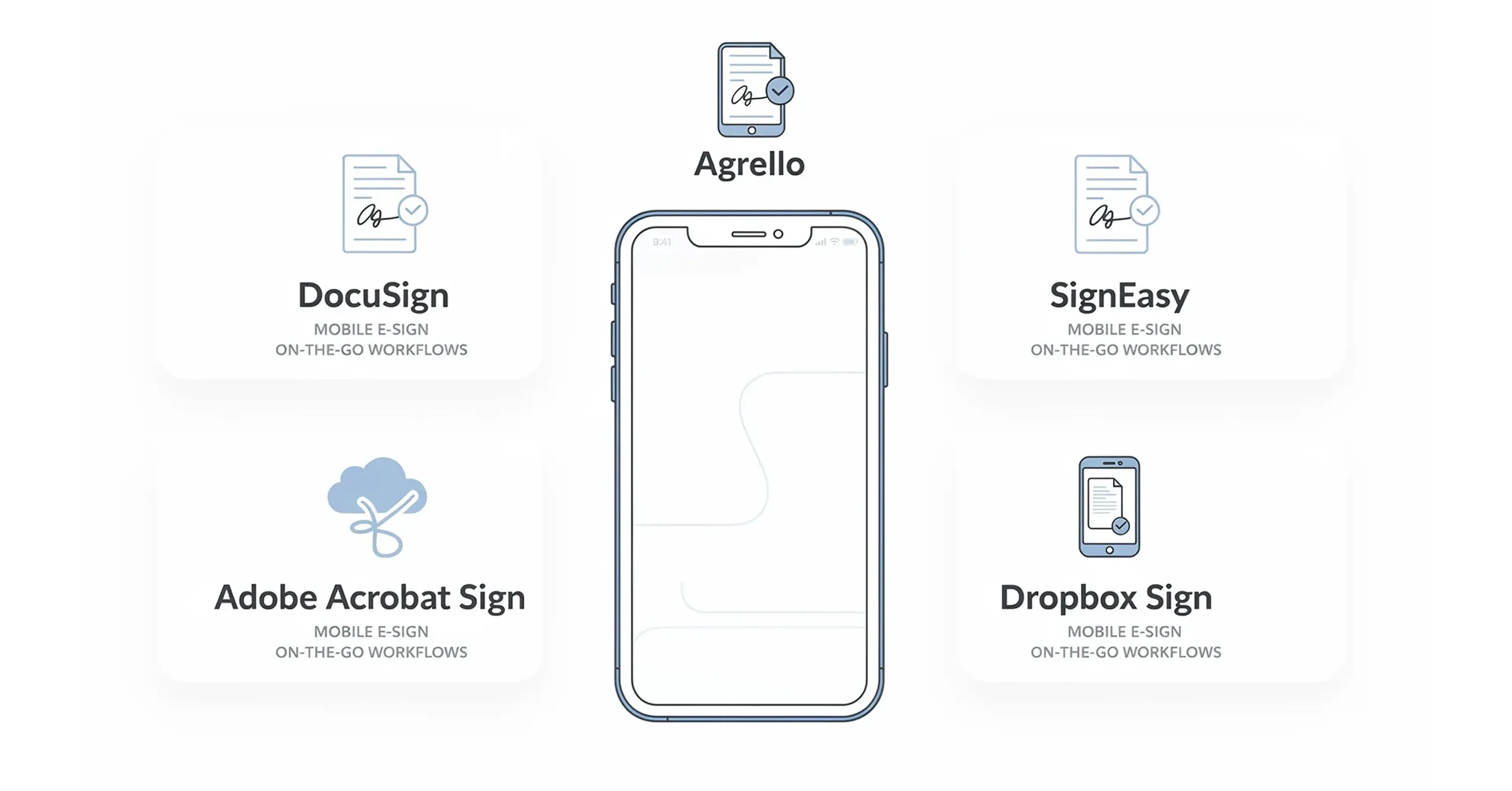
Comparison of the best mobile e-signature apps including DocuSign, Agrello, SignEasy, Adobe Acrobat Sign, and Dropbox Sign for on-the-go document signing

Choosing the right tool depends on your specific needs. Some users need advanced API integrations, while others just want a simple way to sign a PDF. Below are some of the top contenders that excel in mobile environments.

Agrello

Agrello stands out for its focus on user-friendly interfaces and robust digital signature capabilities. It bridges the gap between complex legal requirements and simple mobile usability.

  • Why it works on mobile: The interface is clean and intuitive, reducing the "fat finger" errors common on small screens.

  • Key Benefit: It allows for easy document creation and signing without overwhelming the user with unnecessary menus.

  • Best for: Teams that need a streamlined, efficient way to manage contracts and digital signatures without a steep learning curve.

DocuSign

DocuSign provides iOS and Android apps for uploading and signing documents, sending reminders, and monitoring agreement status. Verify the workflow and plan you need on the official DocuSign mobile page.

  • Why it works on mobile: The native apps support signing and agreement management on phones and tablets; test document preparation separately because sender capabilities vary by plan and workflow.

  • Best for: Enterprise companies that need heavy-duty compliance features and widely recognized validity.

Adobe Acrobat Sign

If your workflow lives and breathes PDF, Adobe is a natural choice. The mobile app integrates deeply with the entire Adobe ecosystem.

  • Why it works on mobile: The "Liquid Mode" makes reading complex PDFs on a phone much easier by reflowing the text.

  • Best for: Design and legal professionals who already subscribe to Adobe Creative Cloud or Document Cloud.

Documents shouldn't be manual work.

Standardize how your business creates, manages, and signs recurring documents - without complex enterprise software.

Signeasy

Signeasy offers dedicated iOS and Android apps for signing, sending, and collecting in-person signatures. Its official mobile overview documents supported workflows and integrations.

  • Why it works on mobile: The apps support document fields, cloud-storage imports, and mobile signing workflows; confirm the required team features in the plan under review.

  • Best for: Freelancers and small business owners who want a no-nonsense tool.

Dropbox Sign

Dropbox Sign is an excellent option for users who heavily rely on Dropbox for file storage.

  • Why it works on mobile: Dropbox Sign's current mobile signing experience provides a field-focused form view and a full-document flow in the mobile browser.

  • Best for: Creative agencies and teams already entrenched in the Dropbox ecosystem.

How to choose a mobile e-signature app

Start with the workflow, not the logo. If you only sign documents sent by other people, a PDF tool may be enough. If you prepare and send agreements, prioritize field placement, templates, reminders, and recipient status. If several employees send documents, add permissions, shared templates, reporting, and offboarding to the test. Regulated or higher-risk workflows also need a legal and security review of identity checks, evidence, retention, data location, and supported signature types.

Run a small proof of concept before committing. Include one ordinary document, one multi-signer document, and one exception such as a corrected recipient or expired link. Record where users hesitate. A polished happy path matters, but exception handling often determines the long-term support burden.

Treat “offline” as a workflow to test, not a yes/no badge. For example, Adobe documents that Acrobat mobile can fill and sign some forms without an internet connection, save the data locally, and sync it when the device is back online. Sending requests and authentication-dependent actions are different workflows, so verify the current behavior in each shortlisted product's official documentation and on both iOS and Android before publishing the table. Adobe Acrobat mobile documentation

Mobile signing checklist

  • Test on both iPhone and Android if recipients use mixed devices.

  • Test the sender and recipient experiences separately.

  • Confirm whether offline work is supported and what syncs later.

  • Download the completed document and its evidence record.

  • Check accessibility, language, and identity-verification requirements.

  • Confirm plan limits, renewal terms, API charges, and support level.

  • Document which team owns templates, access reviews, and retention.

Evaluate the same representative documents in two shortlisted apps, then choose the workflow that creates the least signer friction while retaining the evidence and controls your organization needs.

Documents shouldn't be manual work.

Standardize how your business creates, manages, and signs recurring documents - without complex enterprise software.

They can be, but validity is not determined by the phone or app alone. The document type, jurisdiction, consent, attribution, identity controls, and evidence all matter. The [U.S. E-SIGN Act](https://www.govinfo.gov/app/details/COMPS-940) and the EU's [eIDAS framework](https://digital-strategy.ec.europa.eu/en/faqs/questions-answers-trust-services-under-european-digital-identity-regulation) provide different legal frameworks, so higher-risk transactions should be reviewed by counsel.

Sometimes. Offline support varies by product and may require the document to be downloaded while online; identity checks, sending, or final synchronization may still need a connection. Test the exact sender and signer flow you plan to use instead of relying on a feature label.

An electronic signature is a legal concept for data used by a signer to sign. A digital signature is a cryptographic technique used to verify origin and detect changes. The European Commission's [official eSignature FAQ](https://ec.europa.eu/digital-building-blocks/sites/display/DIGITAL/eSignature%2BFAQ) explains why the terms are related but not interchangeable.

Run the same document through both devices. Measure document preparation, recipient steps, authentication, accessibility, offline behavior, completed-document export, and the audit evidence retained after signing.

Avoid using an untrusted network for sensitive contracts when a trusted connection is available. Use the official app or HTTPS site, enable multi-factor authentication, keep the device updated, and never install a certificate or profile prompted by the network.

Schedule a Meeting

Book a time that works best for you and let's discuss your project needs.

You Might Also Like

Discover more insights and articles

Business professional standing in a modern office, representing collaboration and document controls for legal, sales, and operations teams.

Which Collaboration Controls Do Legal, Sales and Ops Need?

Seven controls matter. They include defined roles and clause-level comments. Version history and review handoffs with visible approval status also matter, as do least-privilege access and event-based notifications. A documented signing-readiness check completes the set. Together they let the three departments contribute to the same agreement while only one person holds decision authority at each stage.

Business professional in a modern office representing cloud-based document management and streamlined digital workflows

How to keep document workflows moving with a cloud based document management system

This article explains how to build an approval workflow that keeps moving when someone is out of office or when a reviewer forgets. It covers mapping the lifecycle and configuring routing and escalation rules in cloud document management software.

Businessman reviewing a contract approval workflow in an office

How Do You Ensure the Approved Contract Gets Signed?

You get the approved contract signed by locking the file under one identifier and one owner, and you send only that locked file to signature. Everything else stays a draft. The control is unglamorous and it holds, because wrong-file risk lives in the gap between someone saying "looks good" and someone clicking send.

Businesswoman standing in an office with a workflow diagram, illustrating document control and records management by lifecycle and retention.

Document control and records management compared by lifecycle and retention

This article compares document control and records management by lifecycle stage and retention rule. It uses ISO 9001 and ISO 15489 to locate the moment a working document stops being editable and becomes fixed evidence, then follows an inspection form and a set of signed agreements through that point.